
Features
Serious CAD, driven by conversation.
PraxisCAD is a real parametric modeller with the parts of CAD a working designer needs. Your AI client can use every one of them, and so can you.
Want to model by hand first? The web version opens in your browser for viewing, measuring and parametric part editing. Assemblies, drawings and the AI assistant are in the desktop app.
Sketching
Every part starts as a drawing that knows its own rules.
- Parametric sketches
- Dimensions and relations drive the shape, so a change flows through the whole model.
- Constraint solver
- Coincident, parallel, symmetric, tangent and more, solved live.
- Rich sketch tools
- Lines, arcs, splines, ellipses, slots, text and projected edges, with trim, offset, fillet, mirror and patterns.
- DXF in and out
- Bring 2D profiles in from DXF, and send sketches out as DXF.
Solid and surface features
From simple blocks to smooth, designed surfaces.
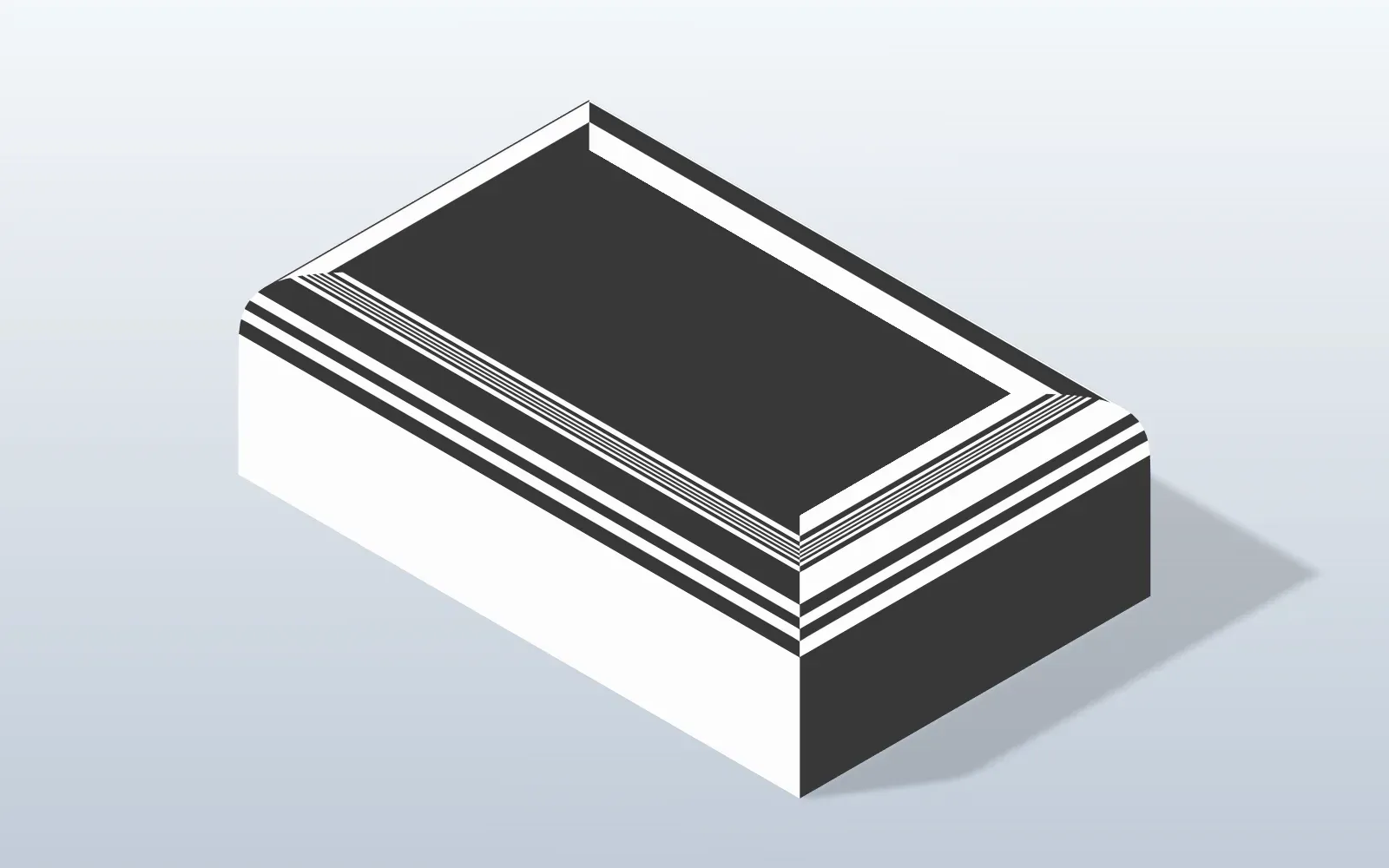
- Extrude and revolve
- Add or cut material, with optional draft on extrudes.
- Loft
- Blend between sections with G0, G1 or G2 end conditions against neighbouring faces.
- Boundary surface
- A solid through section sketches and guide curves, with the same G0, G1 and G2 end conditions.
- Sweep
- Run a profile along a path: pipes, springs, rails.
- Fillet and chamfer
- Including a curvature-continuous fillet profile for smooth blends.
- Shell and draft
- Hollow a body to a wall thickness, or add draft to walls.
- Holes and threads
- A hole wizard for standard holes, counterbores and countersinks, plus threads.
- Patterns and mirror
- Linear and circular patterns of features, mirrored across any plane.
- Booleans and multi-body
- Join, cut and intersect, and keep several bodies in one part.
Materials and properties
Know what it weighs and what it looks like.
- Material library
- Assign a material and get a realistic appearance.
- Mass properties
- Volume, surface area, mass and centre of mass.
- Measure
- Exact lengths, radii, areas, distances and angles of faces, edges and vertices.
- Appearance and render
- Colours per face or body, and a render mode for presentable images.
Assemblies
Put parts together and see how they move.
- Mates
- Fixed, coincident, concentric, distance, angle and more, with limits.
- Gear, rack and cam
- Mates that describe motion, not only position.
- Move and solve
- Drag a component to see how the mechanism responds.
- Interference check
- Find clashes between components, and tell contact from collision.
- Bill of materials
- A parts list with quantities, ready to export.
- Exploded views
- Pull the assembly apart for documentation and pictures.
2D drawings
From model to paper without redrawing.
- Views
- Standard, section, detail and exploded views projected from the model.
- Dimensions and tolerances
- Automatic dimensions, tolerances, GD&T and surface finish symbols.
- Title block, BOM and balloons
- Complete the sheet for the workshop.
- Export
- PDF, DXF or SVG.
Import and export
Real CAD means working with everyone else's files.
- STEP in and out
- Open STEP files and export them again, with a validity check on the way out.
- Edit as Part
- Turn imported solids into editable parts.
- Feature recognition
- Find holes, fillets and other features in imported geometry.
- Direct edits
- Delete, offset or move faces and resize holes on imported solids.
- Other formats
- DXF import, and STL, 3MF and OBJ export for printing and visualisation.
Design for manufacturing
Ask whether it can be made before you pay to find out.
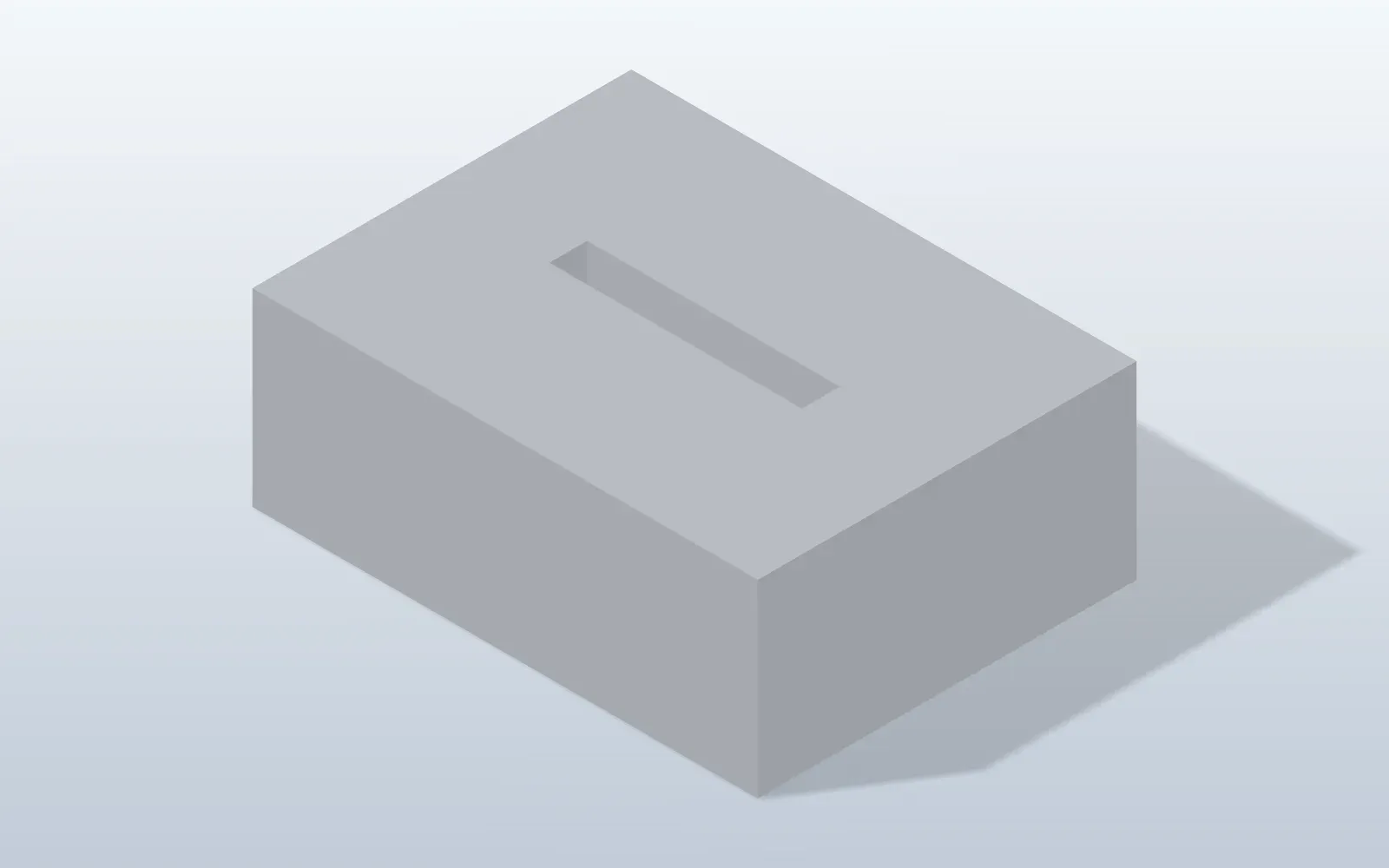
- CNC machining
- Flags deep narrow pockets, sharp inside corners and hard-to-reach features.
- 3D printing
- Checks for FDM and SLA: thin walls, overhangs and small features.
- Injection moulding
- Wall thickness, draft and moulding-friendly geometry.
- Sheet metal
- Checks a part for sheet-metal manufacture.
- Plain-language report
- Issues explained and grouped, with fixes proposed and a list of the checks that ran.
- Surface analysis
- Zebra stripes, curvature maps and combs, and a G0, G1, G2 continuity report.
Workflow you can trust
The unglamorous things that make CAD usable every day.
- Undo and redo
- Step back through the AI's changes as well as your own.
- Autosave and recovery
- Crash recovery for work you have not saved.
- Feature history
- Reorder, suppress, rename and edit any step.
- Works offline
- No account needed. The app and its local connection do not need the internet.
Built for AI clients
Everything above is available to your AI, not only the basics.
- MCP tools for all of it
- Modelling, assemblies, drawings, checks, measuring, rendering and export.
- Any MCP-capable client
- Open standard, so you are never tied to one assistant or model.
- Local and token-protected
- A local socket or pipe with a token. No network port.
- A ready-made skill
- Add the PraxisCAD skill to your client so it designs well from the first prompt.