
Describe a part. Watch real CAD take shape.
PraxisCAD is a desktop CAD app that any MCP-capable AI client can drive. Say what you need, watch the model build, then take over by hand.
Free during beta. No account needed.
PraxisCAD installs on a Mac or Windows PC. Email this link to your computer, or open the browser version here.
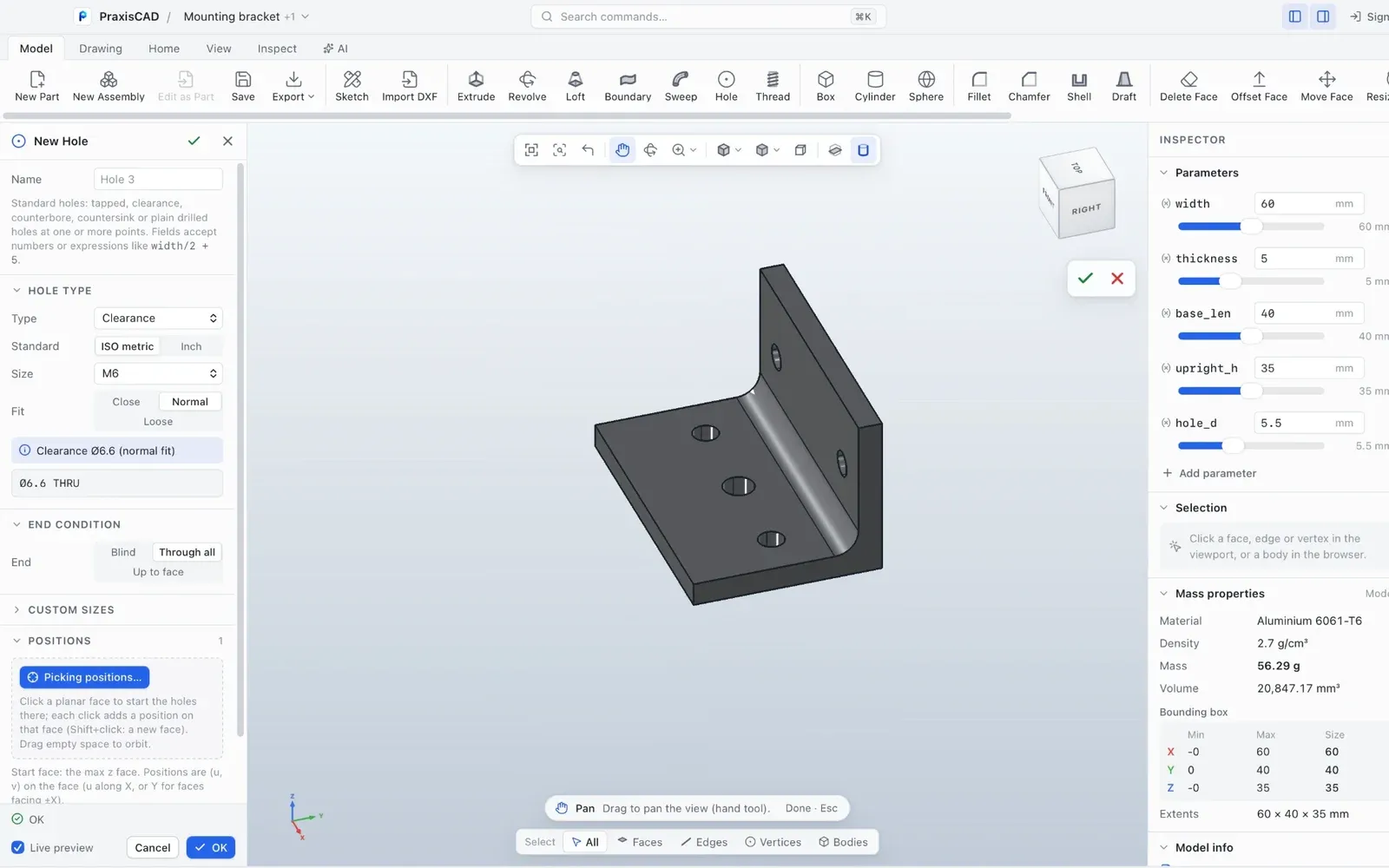
From one sentence to a part you can edit.
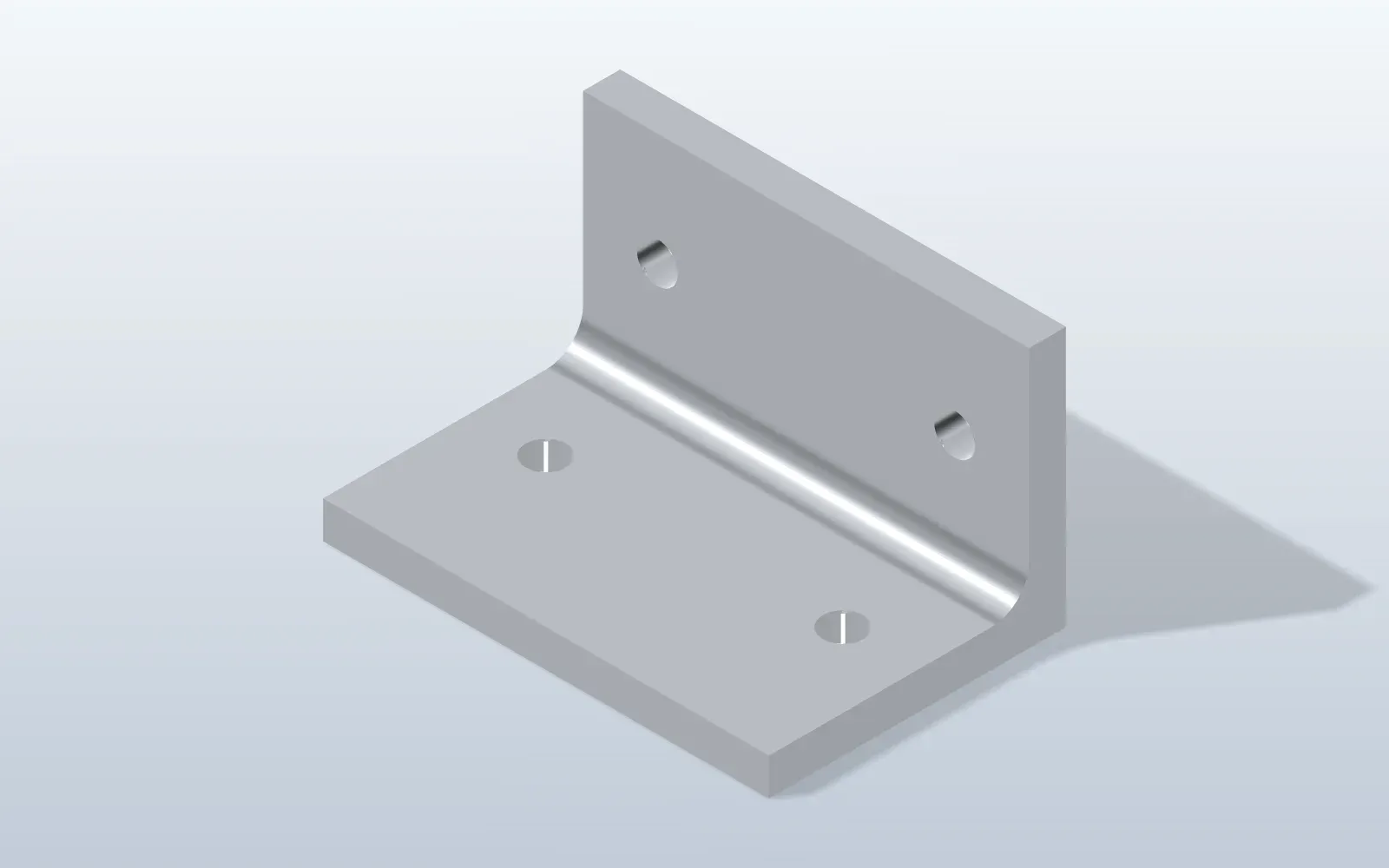
You sayMake an L-shaped mounting bracket from 6061 aluminium. 60 mm wide, a 40 mm base and a 35 mm upright, 5 mm thick. Two 5.5 mm holes in each leg, and a 5 mm radius on the inside bend.
- Draws the L profile as a constrained sketch and extrudes it 60 mm
- Adds the four holes and the bend fillet as separate, editable features
- Assigns the material and reads back size, volume and mass
- Renders the part and compares it with your request
- A parametric part with a feature history
- Width, thickness and hole size are named parameters you can change
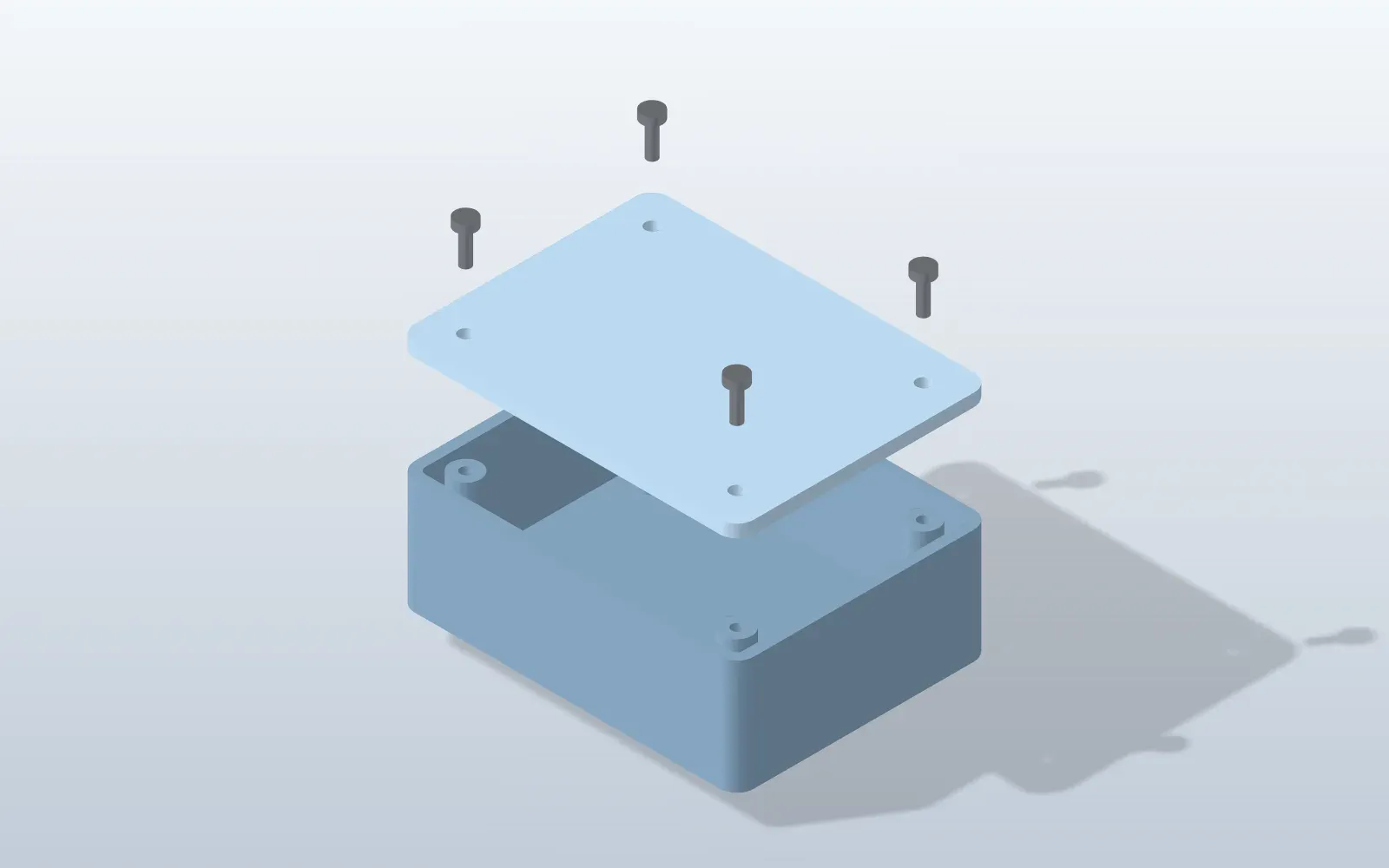
It grows into an assembly
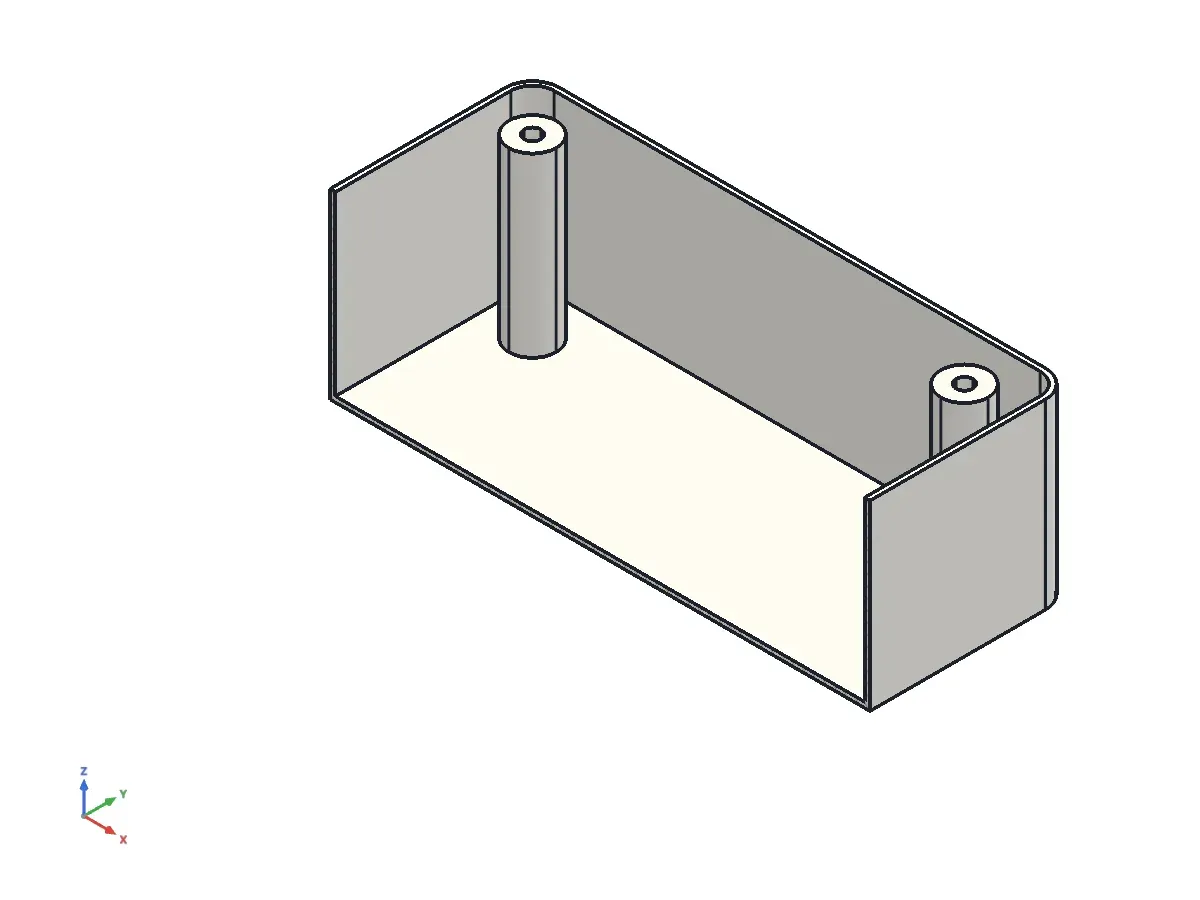
Ask for the enclosure the bracket lives in: parts, mates, a clash check and a bill of materials.
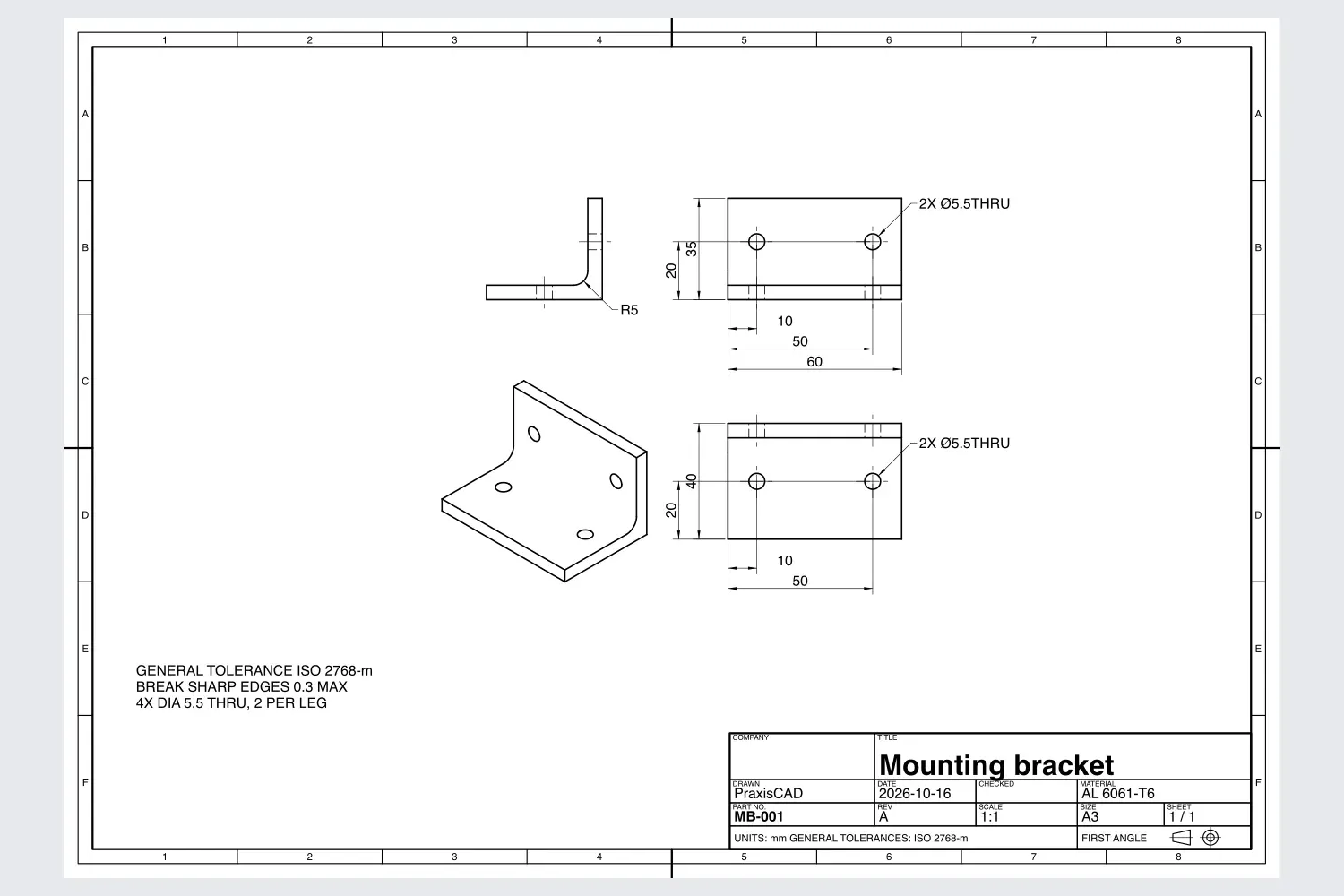
Then a drawing for the workshop
Views, dimensions and a title block, exported as PDF, DXF or SVG.
And a check that it can be made
Thin walls and deep pockets are found and explained before you pay to find out.
Three steps, one conversation.
Describe it
Tell the AI client you already use what you need, the way you would brief a colleague.
Watch it build
The AI sketches, extrudes, adds holes and checks its own work in the PraxisCAD window while you watch.
Take over
Click a face, type a value or edit the sketch. The model rebuilds. Export STEP when you are done.
Keep the AI you already use.
PraxisCAD works with any MCP-capable AI client, cloud or local. One click in the app connects it, and you can switch models any time.
- PraxisCAD never calls an AI service, so there is no second AI bill.
- Without an AI client it is still a complete CAD app you can drive by hand.
- Add the PraxisCAD skill so your client designs well from the first prompt.
Your designs stay on your computer.
Files on your disk
Models, drawings and exports are stored where you save them. The app never uploads them.
Works offline
No account is needed to design. The connection to your AI client opens no network port.
Your AI client is separate
A cloud client sends your prompts to its provider. Use a local model to keep everything on your machine.
Try it on your own idea.
macOS 12 or later, Windows 10 (version 1809) or Windows 11.